Free templates / Pin-back buttons
3½" button template
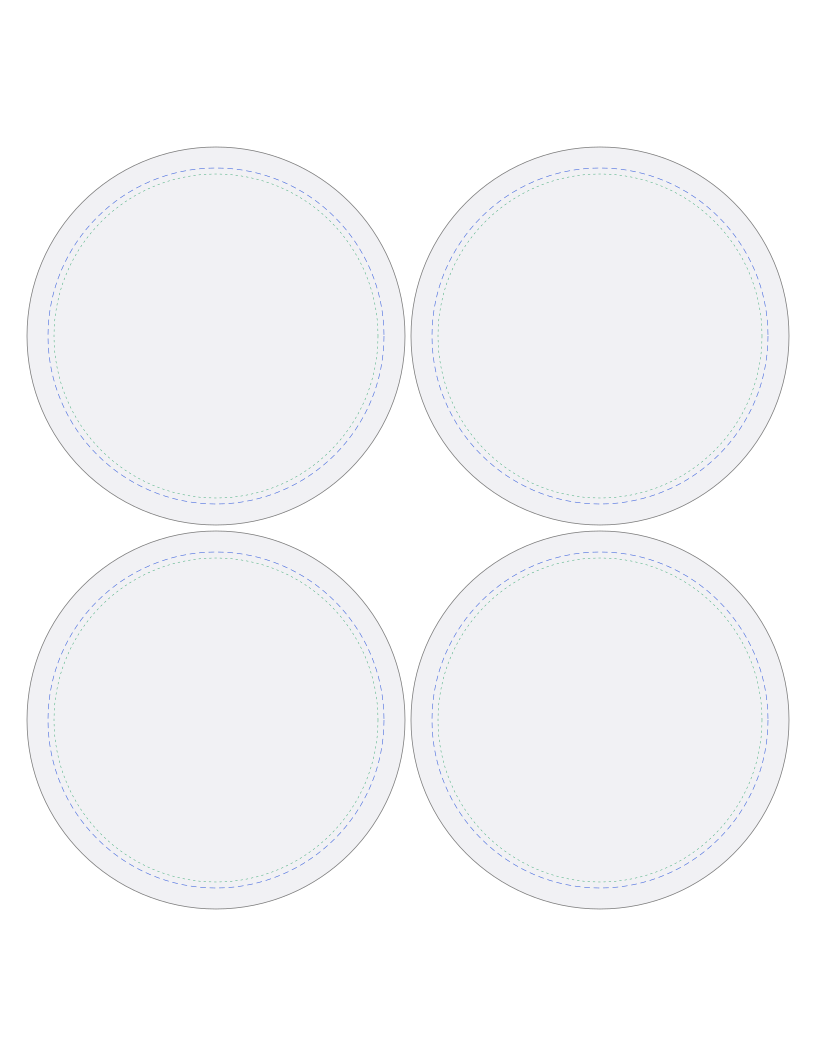
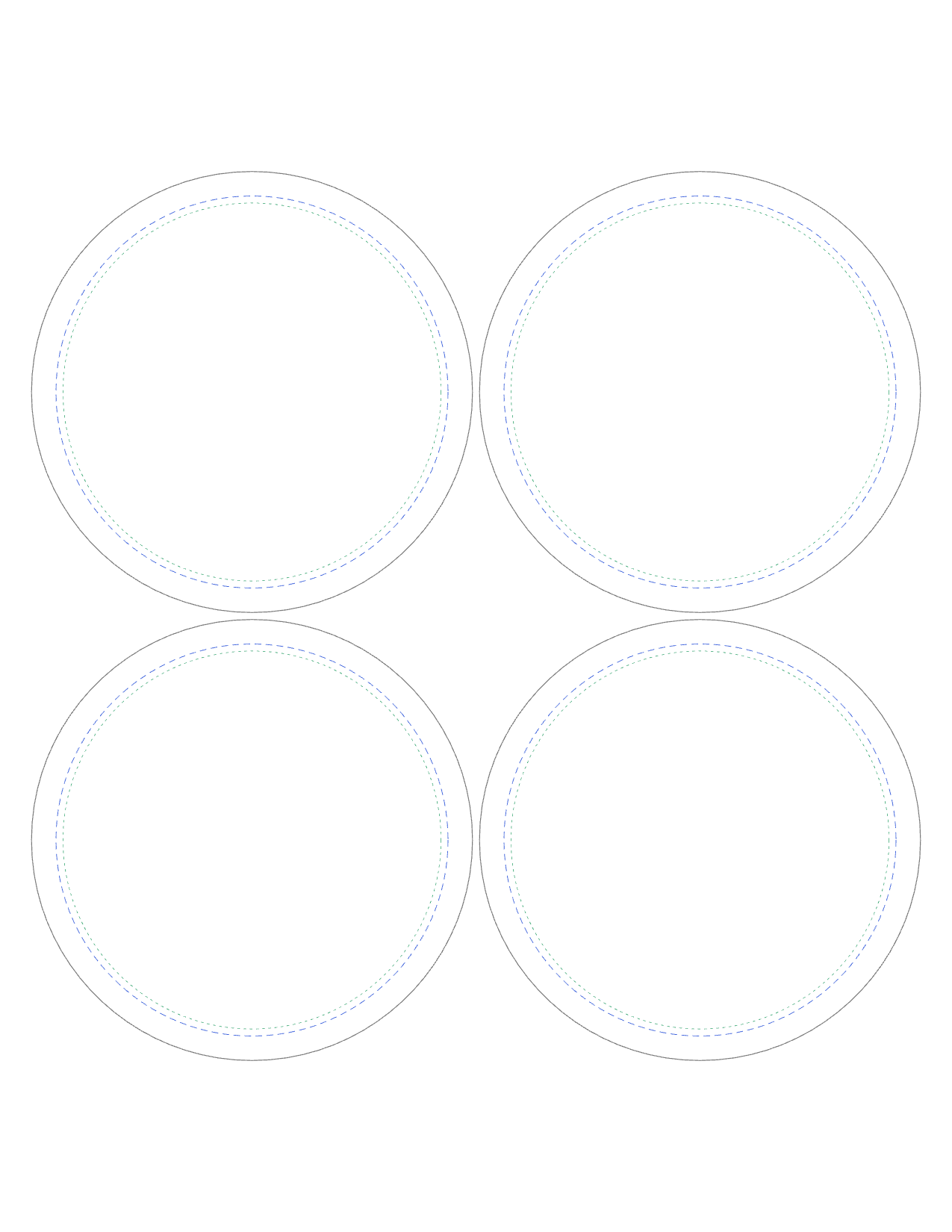
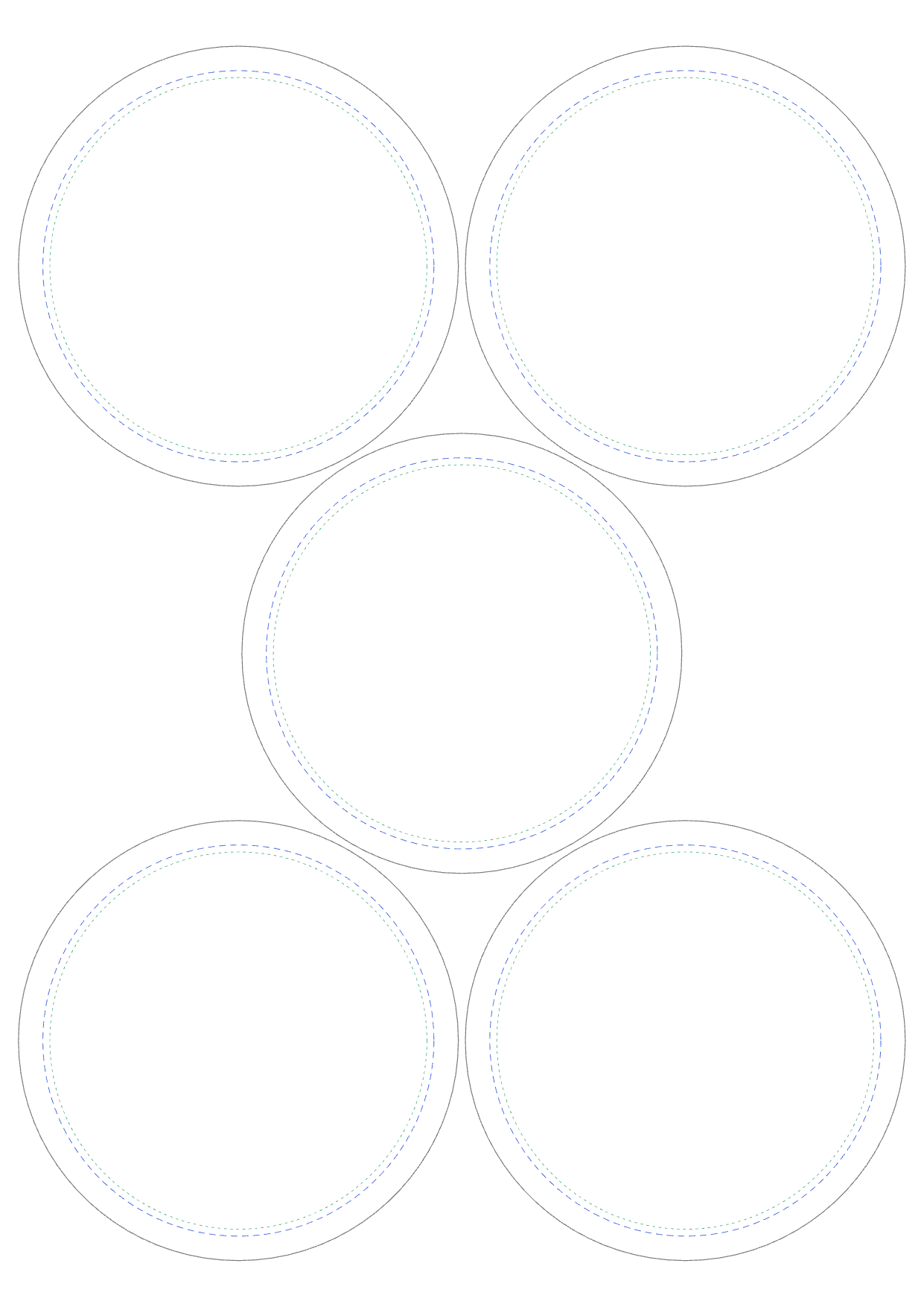
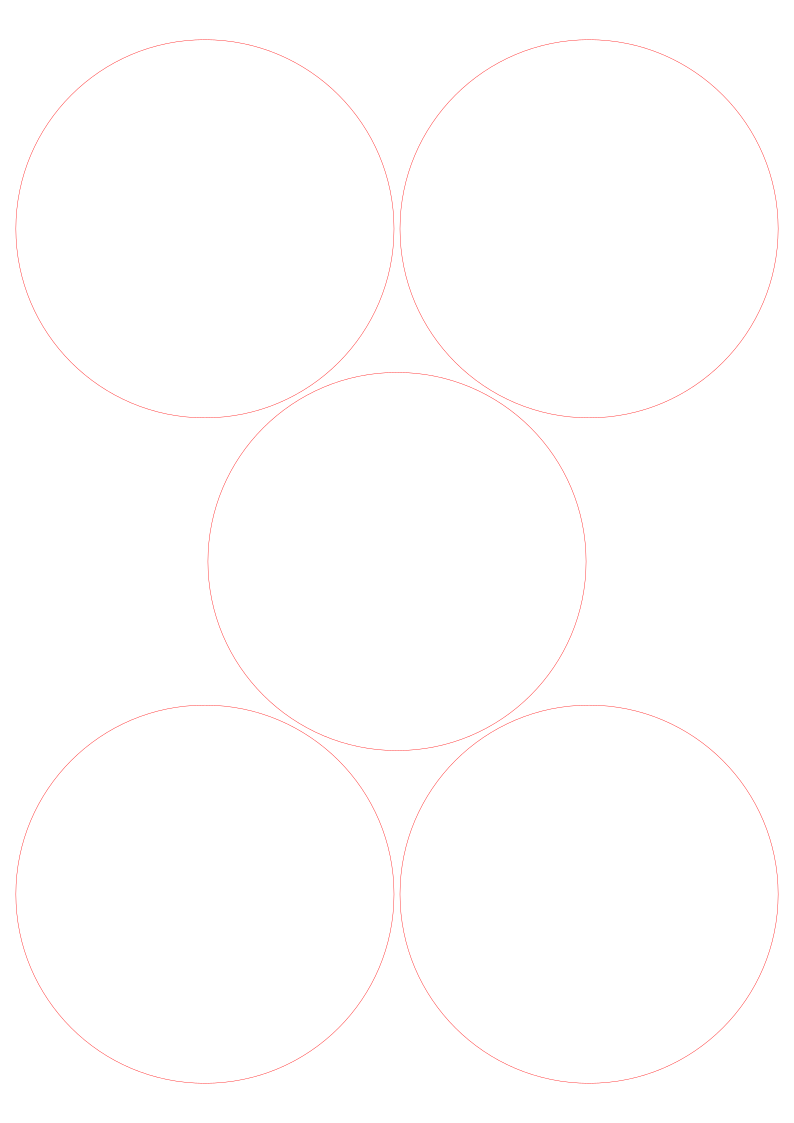
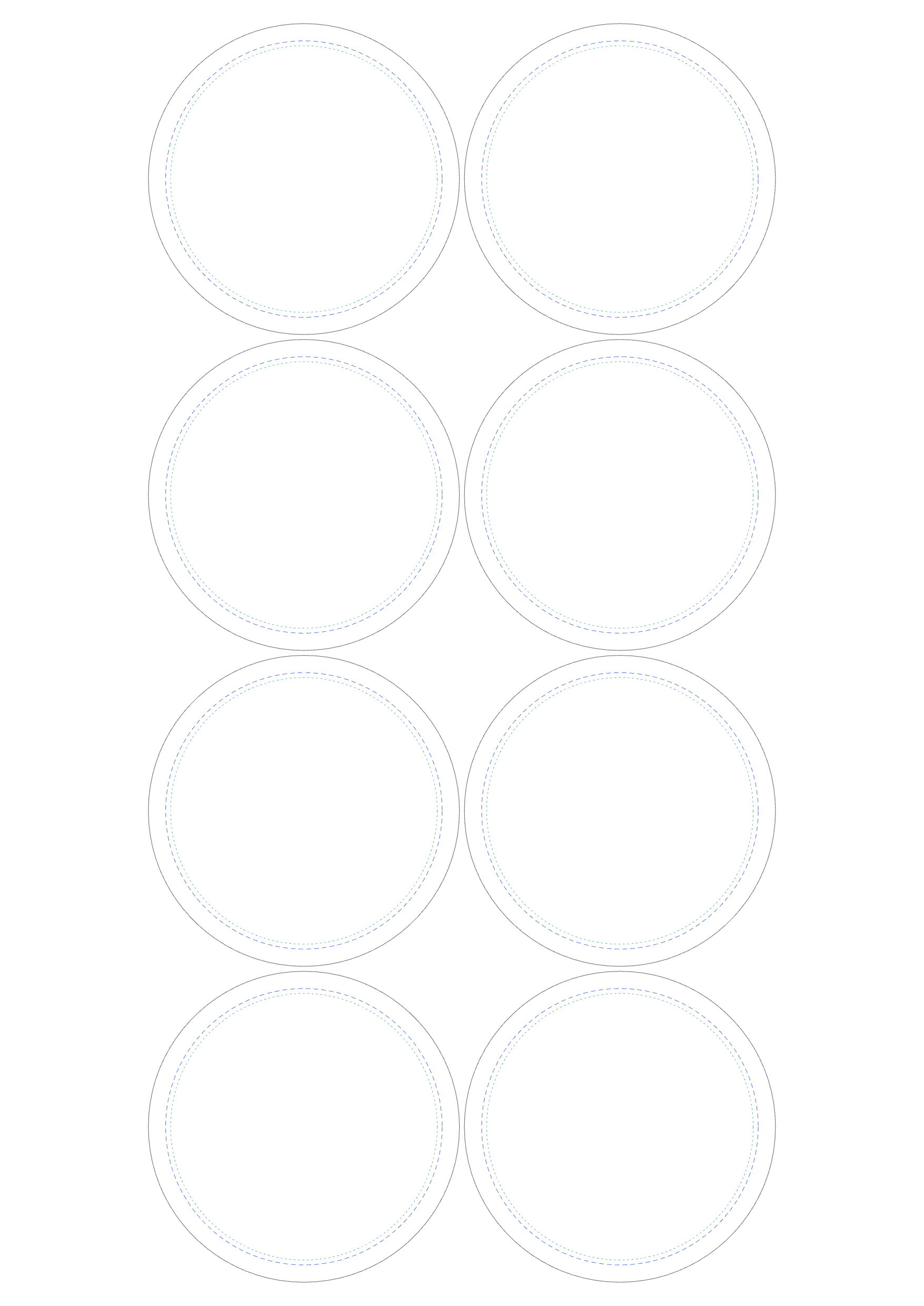
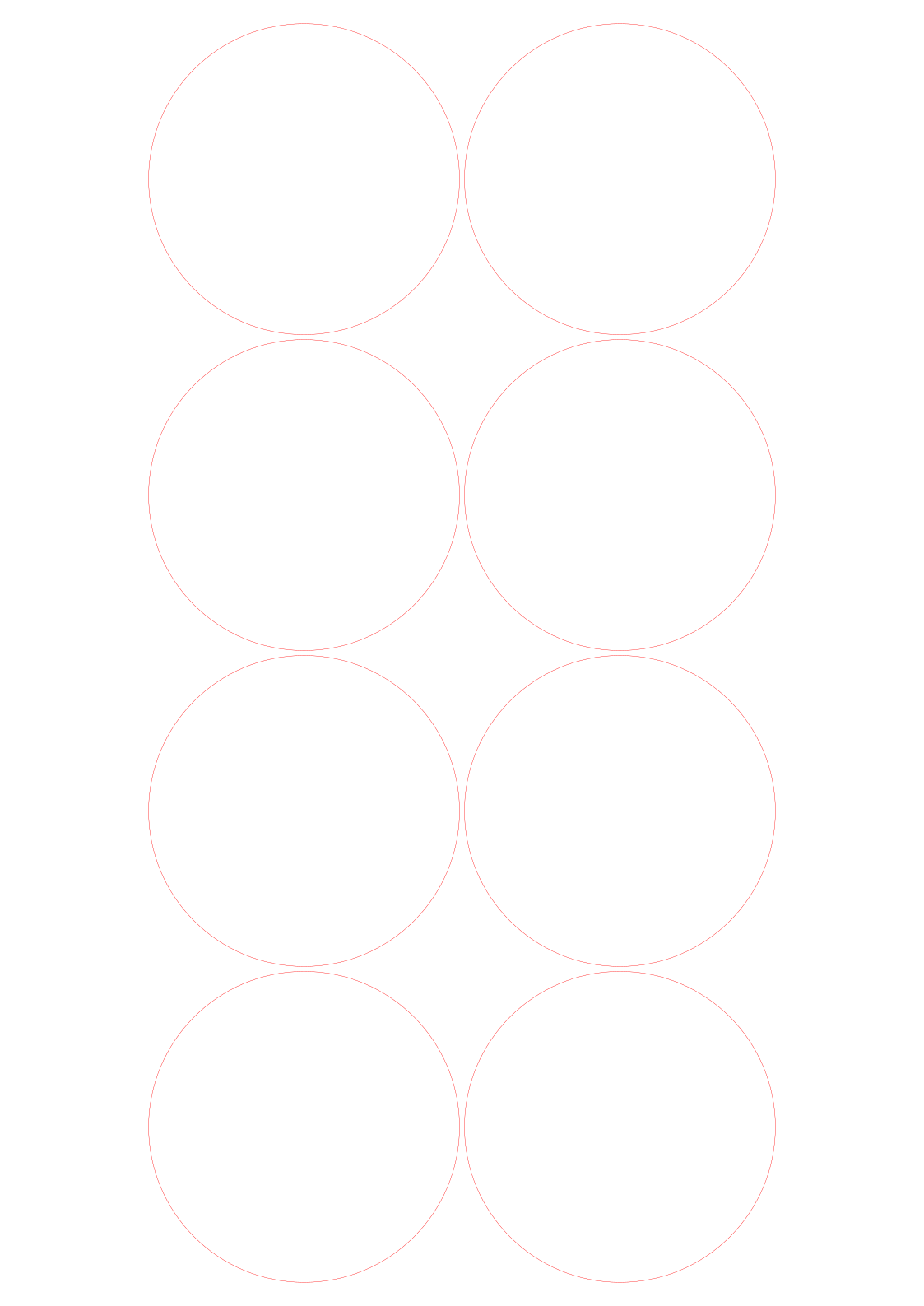
For 3½" (88.9 mm) pin-back buttons. Each circle is cut at 3.94" (100 mm) so the paper wraps around the button shell, and a dashed ring marks the 3½" face that shows on the front. 4 per US Letter sheet, 5 on A4 and 8 on A3.
Download
| US Letter4 circles | PDF1 KB | PNG for Canva51 KB | SVG cut file1 KB |
|---|---|---|---|
| A45 circles | PDF1 KB | PNG for Canva76 KB | SVG cut file2 KB |
| A38 circles | PDF1 KB | PNG for Canva128 KB | SVG cut file3 KB |
Free to use, including for things you sell.
Printing it
- Print at 100% or "Actual size". "Fit to page" shrinks everything, so the circles won't fit your press.
- Keep faces and words inside the green dots. Anything between the blue dashes and the cut line wraps around the side of the button.
- The PNG has a see-through background: lay it over your design in Canva to see where each circle falls, then hide it before you download your design.
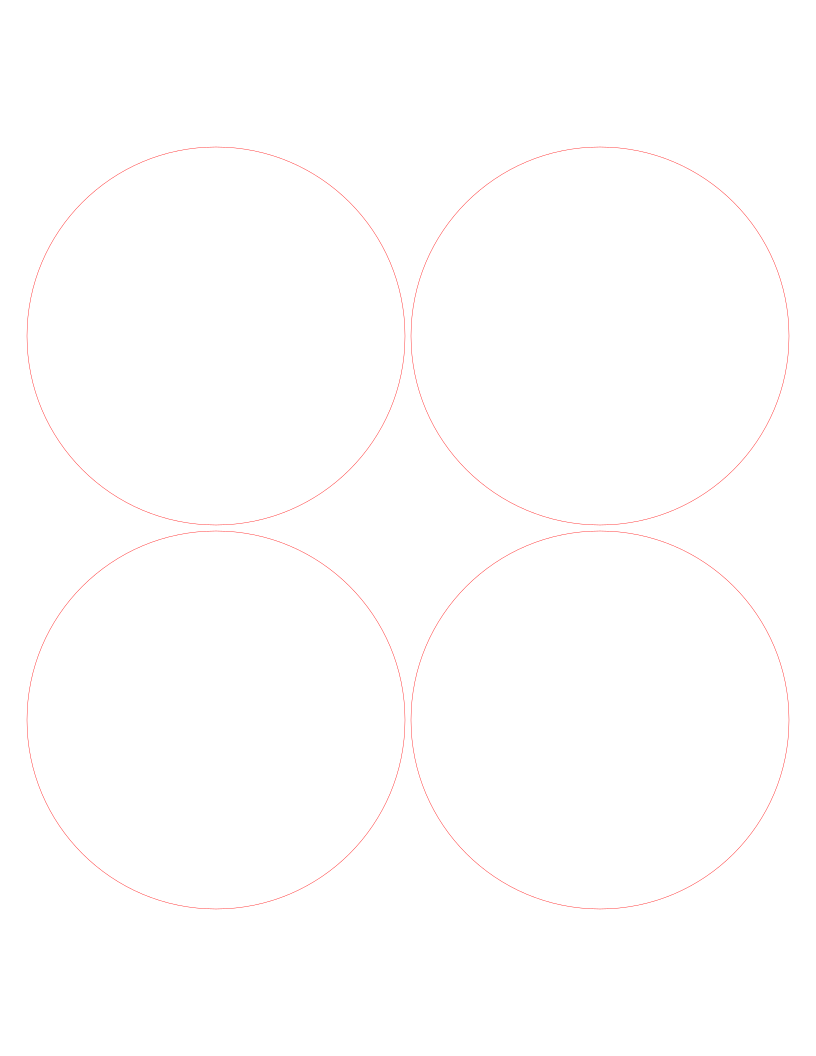
- The SVG cut file has only the cut lines, for a Cricut, Silhouette or laser cutter.
- This is a typical cut size for 3½" buttons. Machines vary a little, so check your press's instructions before a big batch.
- How to make pin-back buttons at home
Or let MagLab fill it for you
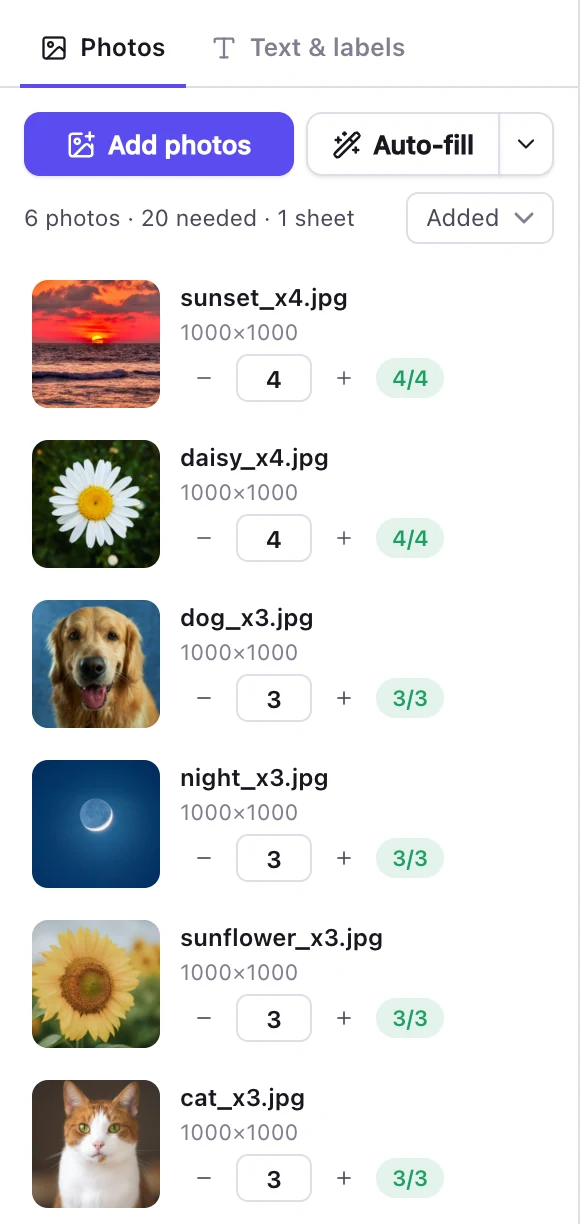
Placing designs one at a time takes a while. In MagLab you drop in a folder of designs, set how many of each you need, and it fills every circle on as many sheets as it takes. It prints at exact size, corrected for your printer, so the cuts land on the lines. This template is built in.
Try it on your next sheet
Every template here is built into MagLab, with photo prints too. Free for 7 days, no card needed.