Direct thermal or thermal transfer label printer?
How direct thermal and thermal transfer label printers differ, which one suits shipping labels and product labels, and the 4 × 6 inch label size they use.
By Ryan Soanes · Updated 14 November 2026
Direct thermal printers print by heating special paper, with no ink or ribbon. Thermal transfer printers melt ink from a ribbon onto the label. Direct thermal is right for shipping labels. Thermal transfer is for labels that must last, such as product labels.
What’s the difference?
| Direct thermal | Thermal transfer | |
|---|---|---|
| Prints with | Heat on heat-sensitive labels | Heat on a ribbon |
| Supplies | Labels only | Labels and ribbon |
| The print | Fades with heat, light and rubbing | Long-lasting |
| Use for | Shipping labels, receipts, tickets | Product labels, asset tags, outdoor labels |
Both print one colour, usually black. This follows Zebra’s comparison of the two: direct thermal labels stay sensitive to heat and light after printing, so they aren’t suited to labels that must stay readable for years.
Which do you need for shipping labels?
Direct thermal. A shipping label only has to last until the parcel arrives, and the labels are the only thing you buy. Most desktop shipping label printers, such as those from Rollo, Zebra, MUNBYN and DYMO, are direct thermal.
Which do you need for product labels?
Thermal transfer, or an inkjet or laser printer. A direct thermal label on a jar or bottle can darken near heat or in a sunny window, and marks when scratched. For colour labels you need an inkjet or laser printer in any case. Printing labels at home covers which printer suits each kind of label.
How do you tell which labels you have?
Scratch the label hard with a fingernail. A direct thermal label leaves a dark mark, because the friction heats the coating. A thermal transfer label doesn’t.
Direct thermal labels only work in a direct thermal printer. Thermal transfer labels need a ribbon to print at all.
What size are shipping labels?
4 × 6”, which is 101.6 × 152.4 mm. In the UK it’s usually written 6 × 4”.
- Royal Mail Click & Drop offers A4, 6 × 4” and 4 × 3” labels. A4 is for a home or office printer, and the other two are for a thermal or label printer. See Royal Mail’s choosing your label format.
- Shopify Shipping labels print on a desktop printer or one of the label printers Shopify supports. Check Shopify’s list before you buy one.
Rolls or fanfold?
Labels come on a roll or in a fanfold stack. Check which your printer takes before you buy.
Which settings matter?
- Label size. Set the paper size to 4 × 6” (or your label’s size) in the printer’s settings. If it’s left on A4 or Letter, the label prints at the wrong size.
- Scale. Print at 100%. See how to print at actual size.
- Calibrate the labels. After loading a new roll or stack, run the printer’s label calibration so it finds the gap between labels. The printer’s manual says how.
- Darkness. If the print is faint, raise the darkness or lower the speed.
Can you print without a label printer?
Yes, on sheets of labels in an inkjet or laser printer:
| Sheet | Paper | Labels per sheet | Label size |
|---|---|---|---|
| Avery 5126 | US Letter | 2 | 5½ × 8½” |
| Avery 5163 | US Letter | 10 | 2 × 4” |
| Avery L7168 | A4 | 2 | 199.6 × 143.5 mm |
| Avery L7165 | A4 | 8 | 99.1 × 67.7 mm |
A label printer is worth buying once you send more than a few parcels a week, because it needs no ink and prints one label at a time.
Can you design your own shipping label?
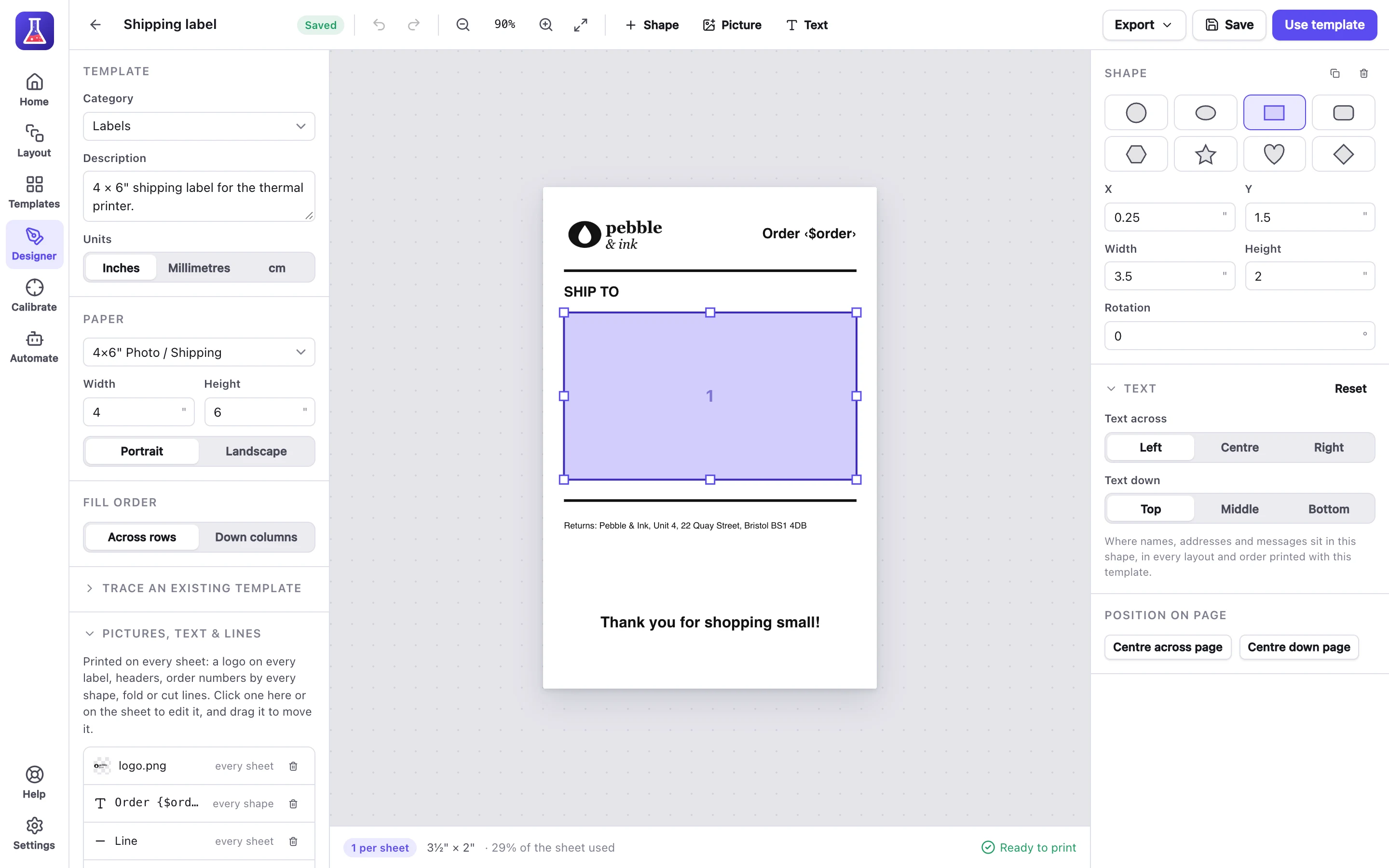
MagLab has a 4 × 6” thermal label template and the Avery sheets above. Add your logo, the address and the order number, and print one label or a batch from a spreadsheet. MagLab Pro prints a label for every Shopify order by itself. Set up shipping labels and print them automatically has the steps.